


Idling
The engine is running but no work is being done. Unnecessary idling adds to fuel costs and, without vehicle idling time tracking, its source is hard to pin down.
 Fleet management software and operations panel
Data collection
 CAN bus telematics and vehicle tracking
Trip Counting Module
 Driver monitoring and vehicle camera system
 Hydraulic-to-electric fan conversion
It reads beyond location.
CAN bus telematics that reads the engine, not just the location
Most fleets know where their vehicles are, but not what they are doing. Fuel, idling, engine hours, AdBlue and fault code data are generated on board but never reach the office. When the data stays in the field, decisions rest on guesswork.
The engine is running but no work is being done. Unnecessary idling adds to fuel costs and, without vehicle idling time tracking, its source is hard to pin down.
Fuel use, engine hours, temperature, RPM, AdBlue, tonnage and fault data exist in the vehicle but not at the office. The site ends up being run by phone.
When a fault code or critical vehicle data is noticed too late, the vehicle ends up stranded. The result is unplanned downtime and higher maintenance costs.
Trips, routes and working hours become estimates. Without a view of past routes and work zones, the operation is hard to control.
If data from different vehicle types is not gathered in one system, performance cannot be compared across the fleet.
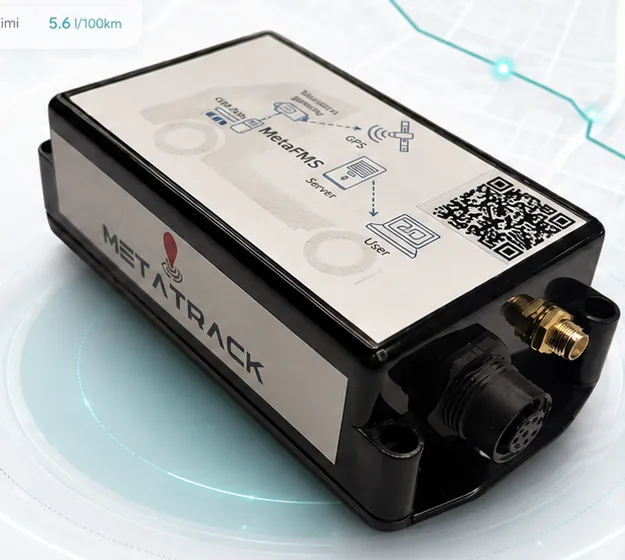
MetaTrack V2 is the CAN bus GPS tracker fitted to the vehicle. It reads the vehicle's own data bus, adds the position and sends everything to MetaFMS, where reports and alarms are produced.
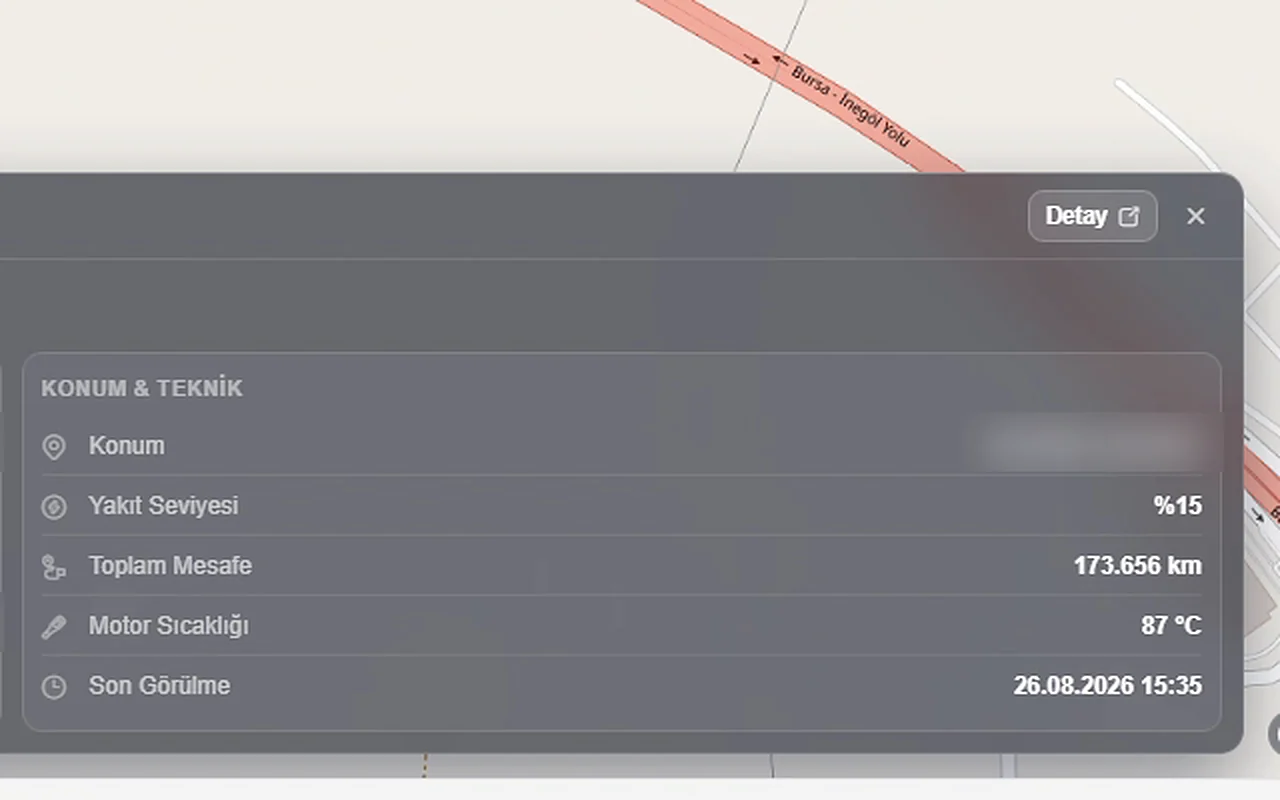
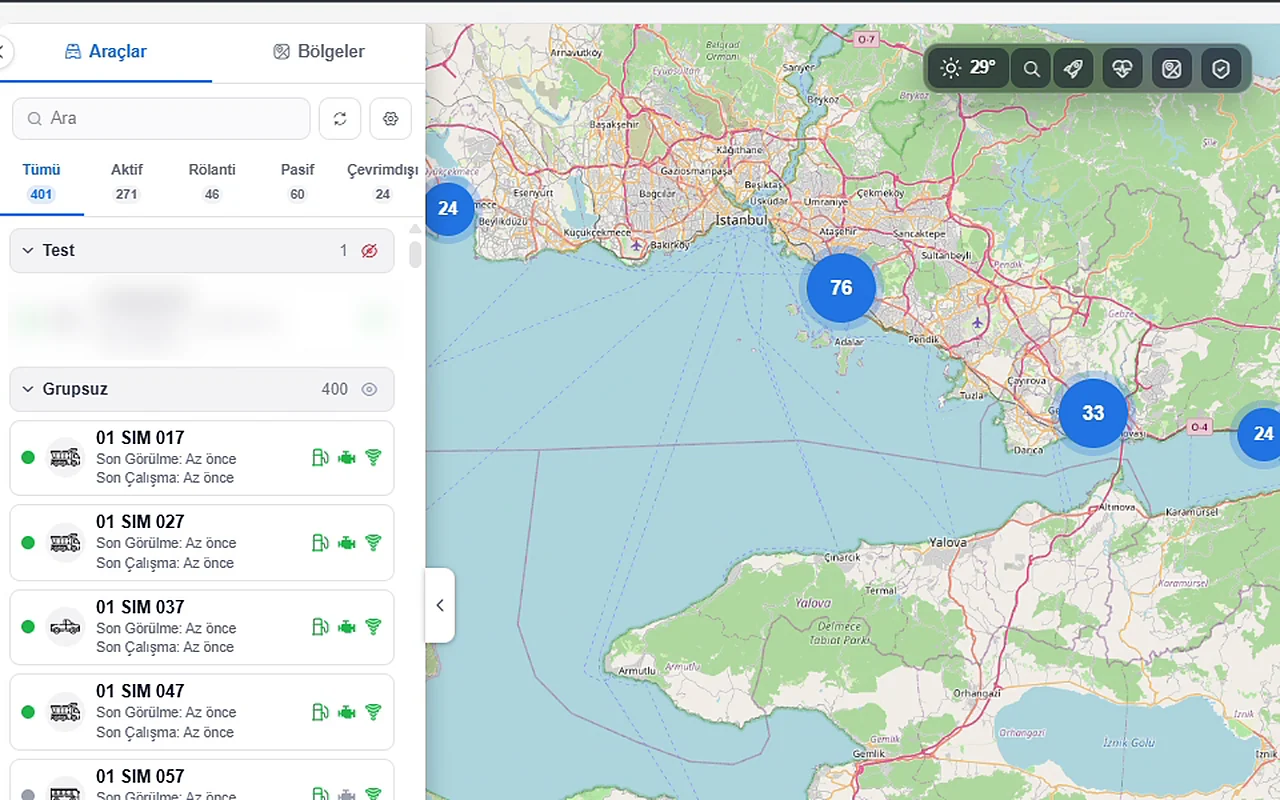
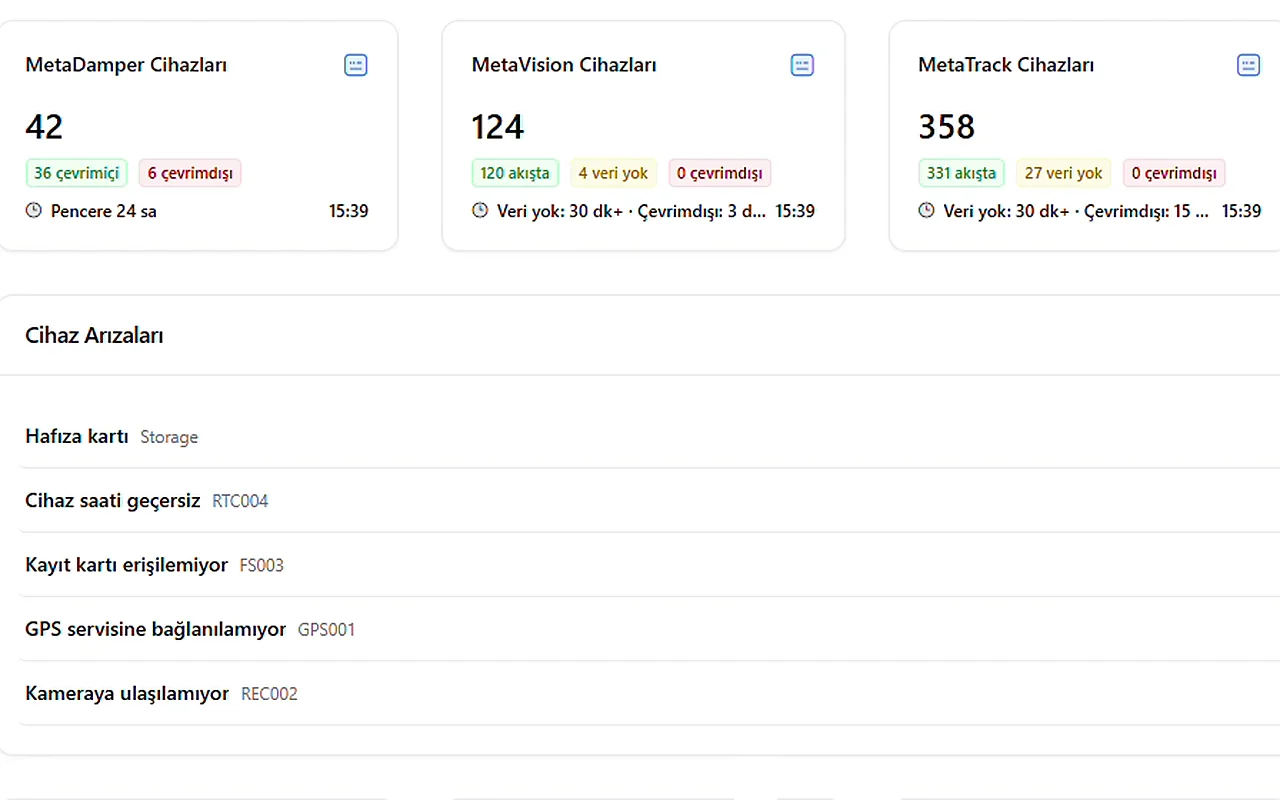
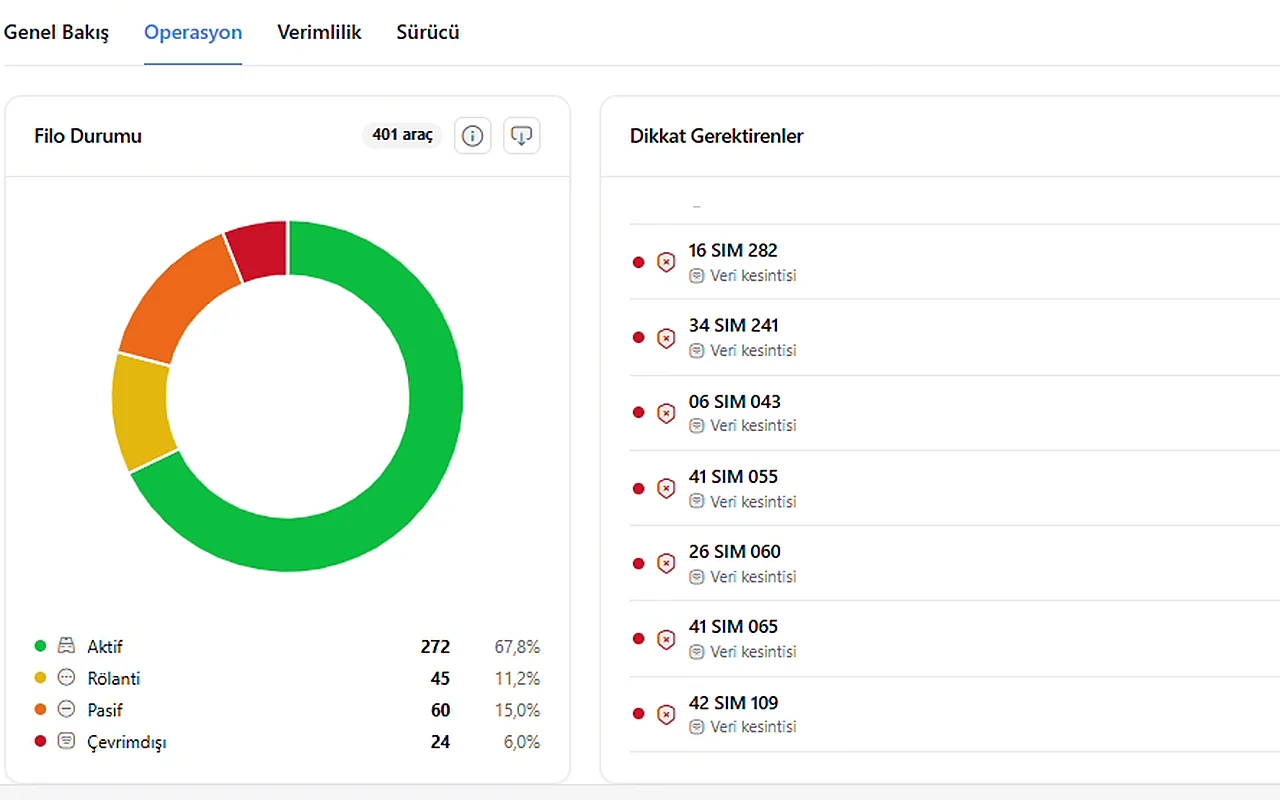
The unit reads engine and operating data from the vehicle's CAN bus / SAE J1939 line. Which items can be read depends on the vehicle's CAN structure.
The GPS position is added to the same data, so every engine reading is tied to a location. Where the vehicle is and what it is doing appear together.
Data is transferred over 4G to the MetaFMS server. Where there is no coverage, data is kept on the unit and sent automatically once the connection returns.
Users follow the live map, reports and alarms in the MetaFMS web panel. Reports and alarms require MetaFMS.
Screens are from the MetaFMS test panel running on simulated data; names, addresses and coordinates have been blurred.
MetaTrack V2 reads these items from the vehicle's CAN bus and brings them into MetaFMS. Each one has a job: maintenance intervals, fuel analysis, engine health or the load carried.
Values are examples from the MetaFMS test panel (simulated data): the first six from the vehicle’s live position card, oil pressure and engine hours from the daily CAN cards on the vehicle page. They are not live data, and the items available depend on each vehicle’s CAN structure. Tonnage is the vehicle's own CAN data and has a margin of error.
MetaTrack V2 collects the data and MetaFMS turns it into reports. Every feature below is used through the MetaFMS panel.
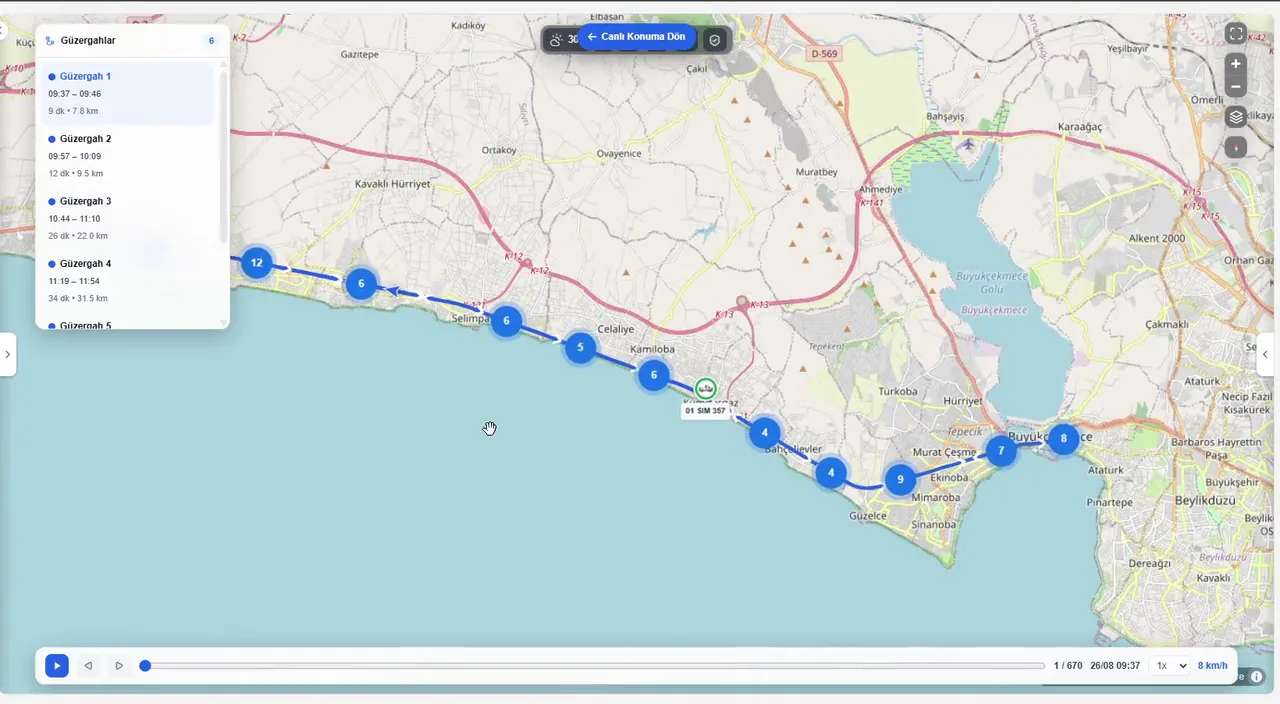
Figures are one day of data for a single vehicle from the MetaFMS test panel (Fleet Analytics › Efficiency, simulated data). They should not be read as a fleet average or an expected result.

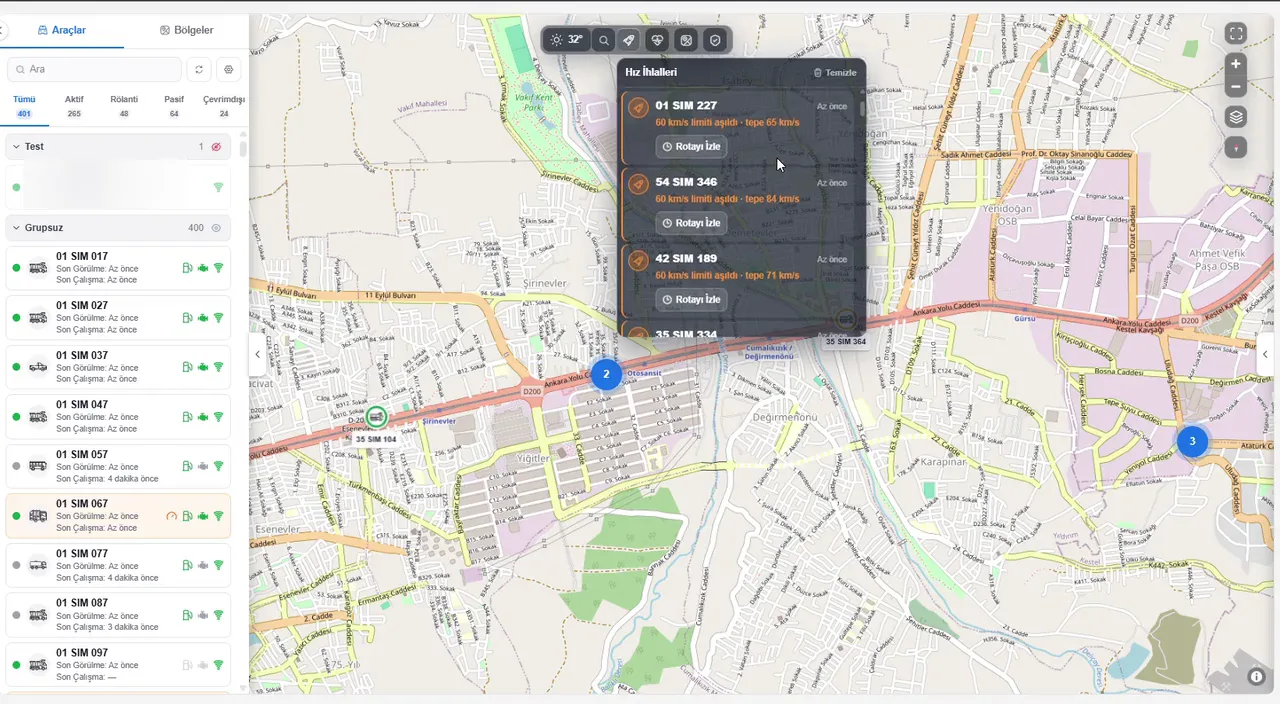


Trucks and excavators are tracked in the same list, with site entries, exits and time worked inside the zone reported.
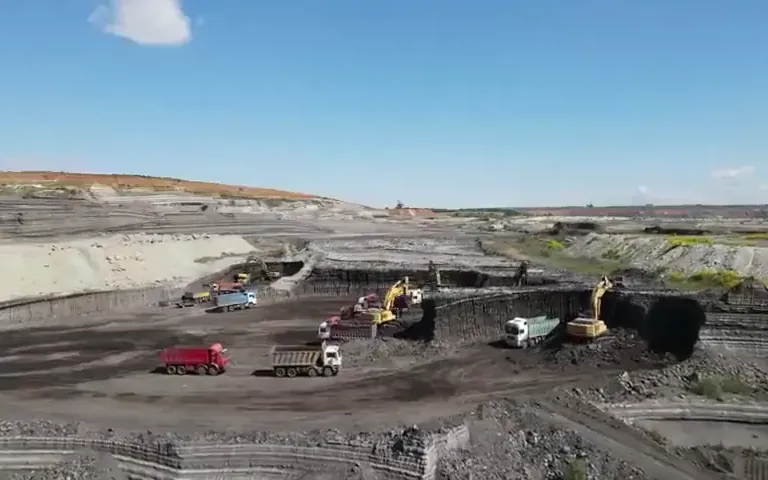
In a pit with no coverage, data stays on the unit and reaches the panel once the vehicle is back in range.
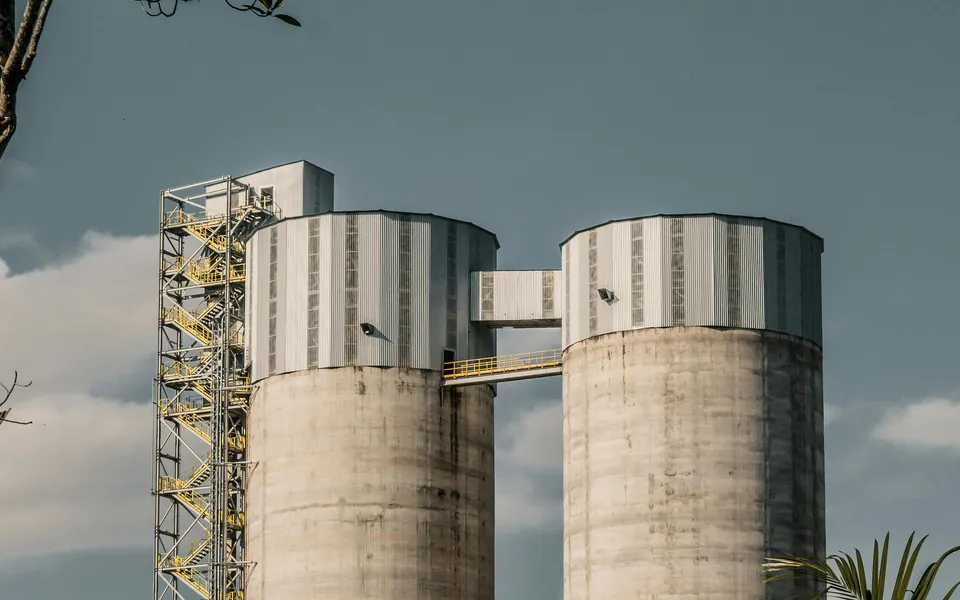
The batching plant and the site are set up as zones, and vehicle entries, exits and fuel use are followed in one panel.

Different vehicle types and machinery come together in one panel, with maintenance intervals tracked from engine hours.

Idling and fuel use are reported vehicle by vehicle, and past routes can be replayed.
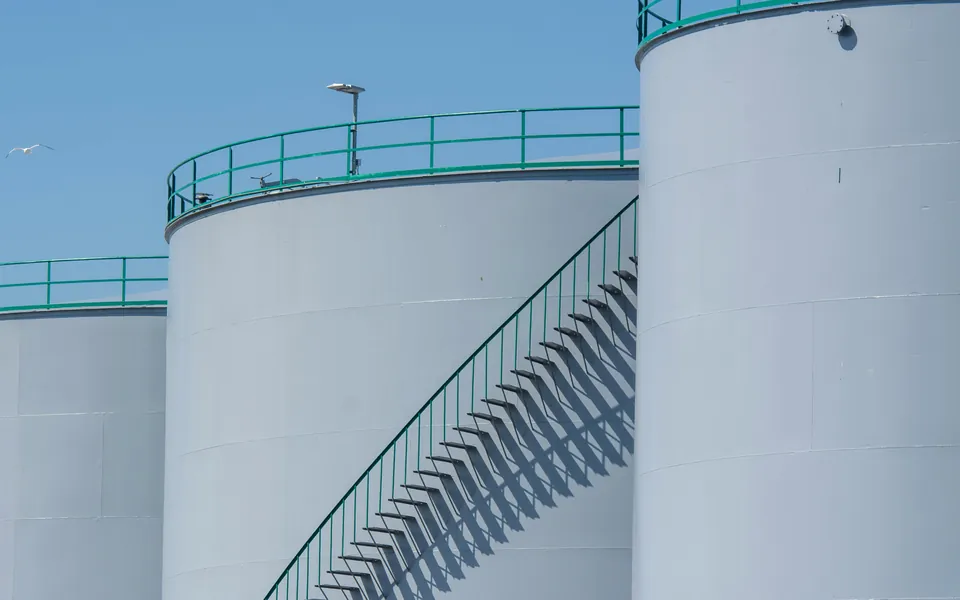
Site equipment, generators included, is monitored from the same panel, with engine hours and fault codes in a single list.
The CAN data items available depend on each vehicle's CAN structure. The supply range is the value stated in the product certificate.
Certificates are issued per product and model. Select one to view it.
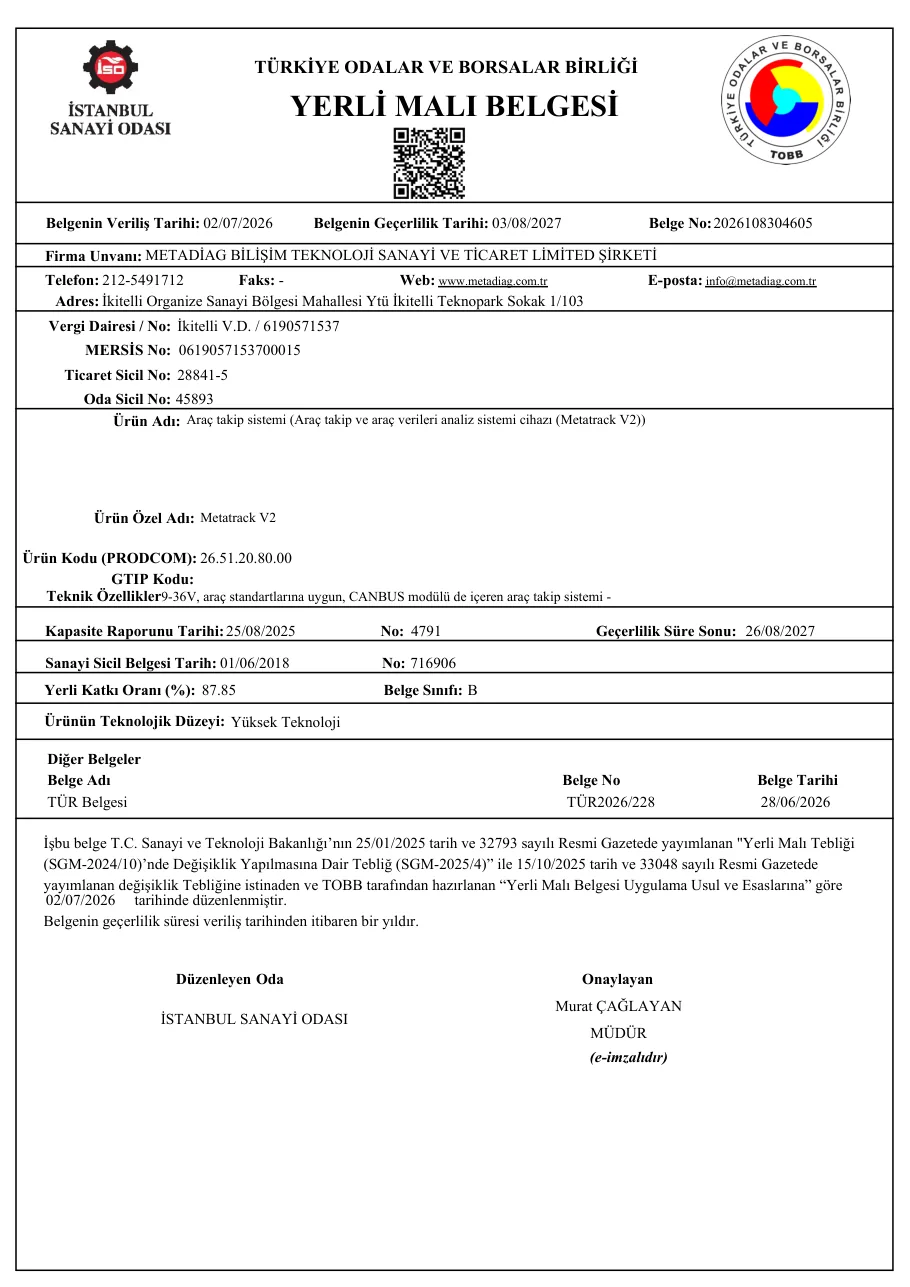 MetaTrack
Domestic Goods Certificate: hardware
2026108304605 · 3 Aug 2027
 MetaTrack
Domestic Goods Certificate: software
2026108304586 · 29 Jul 2027
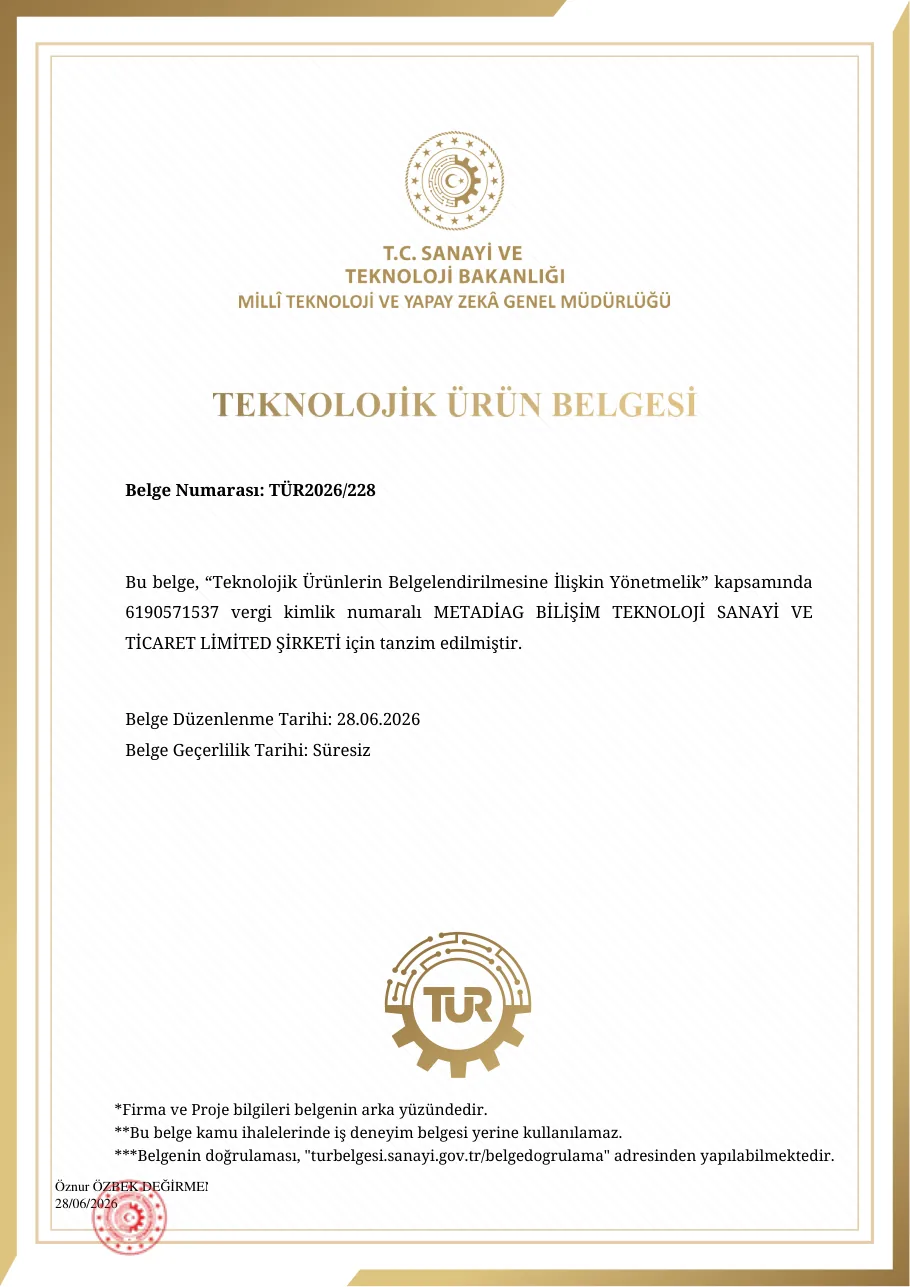 MetaTrack
Technological Product Certificate
TÜR2026/228 · No expiry
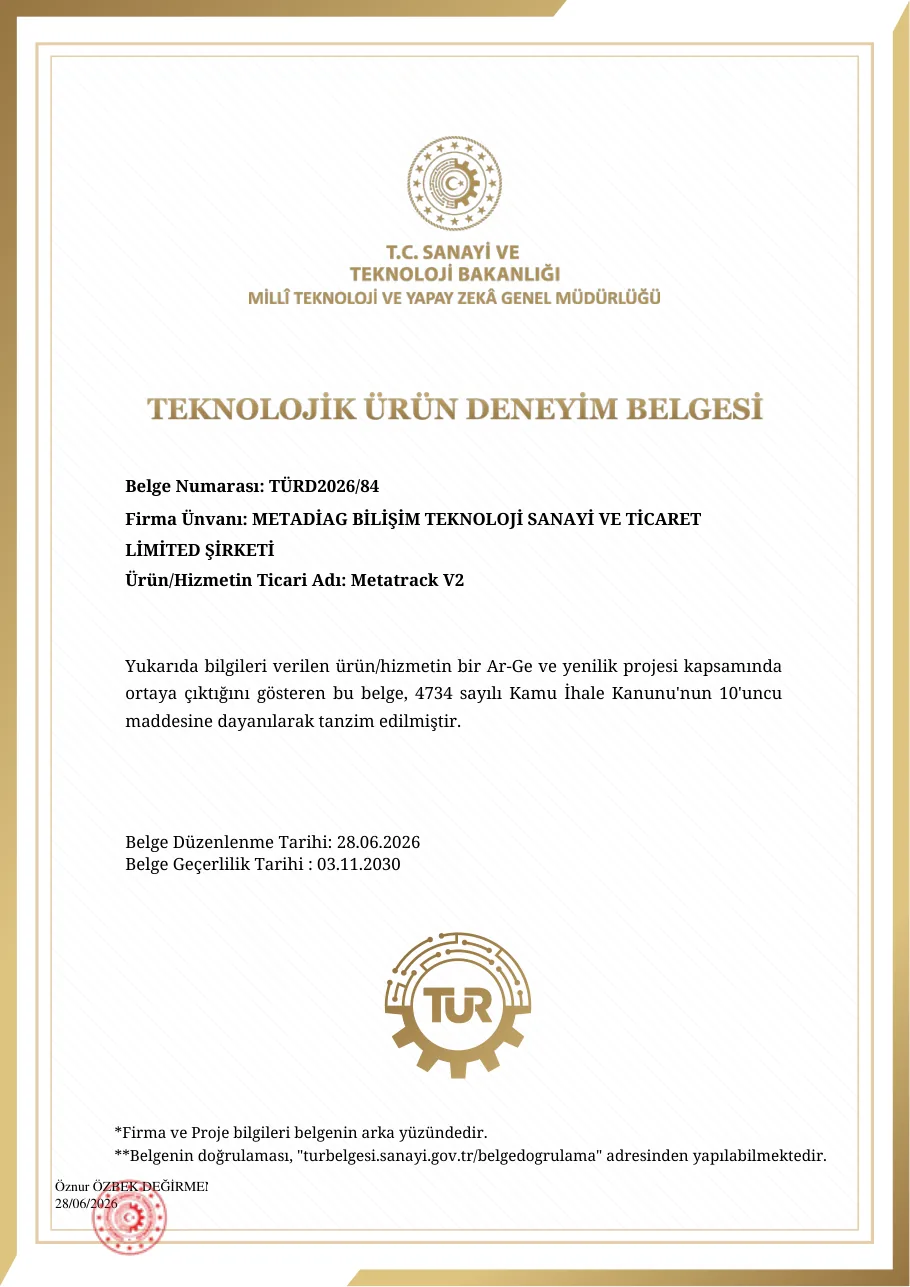 MetaTrack
Technological Product Experience Certificate
TÜRD2026/84 · 3 Nov 2030
Certificates were issued under the company's previous title, Metadiag Bilişim Teknoloji Sanayi ve Ticaret Ltd. Şti.
Metadiag MetaTrack sits in the product family's data collection layer. Its position, speed and J1939 telematics data from the CAN bus feed the fuel, idling, maintenance and zone screens in MetaFMS, alongside data from MetaDamper, MetaVision and the Trip Counting Module. With support for generators and construction machinery, the panel covers site equipment as well as trucks.
Yes. MetaTrack V2 collects and sends the data; the map, reports and alarms are produced in MetaFMS fleet management software. The unit is therefore always used together with MetaFMS.
It is designed for all equipment, including cars, heavy vehicles, construction machinery and generators, so a single vehicle tracking system covers the whole fleet. Each vehicle type is defined in the panel, and trucks and excavators can be followed in the same list.
More than 150 CAN parameters are read. The main ones are fuel (total and instant consumption), tonnage and fault codes; AdBlue level, engine hours, engine speed (RPM), engine temperature, total distance and idling status are monitored too. Tonnage is the vehicle's own CAN data and has a margin of error. Which items can be read depends on the vehicle's CAN structure.
Data is kept on the unit and transferred to MetaFMS automatically once a connection is available.
In that case MetaFMS calculates engine hours from RPM data and shows them separately in the panel as ‘calculated engine hours’. MetaTrack can therefore serve as an engine hours tracking device on these vehicles too.
It shows idling status and duration vehicle by vehicle, with its share of running time. For example, on the MetaFMS test panel one vehicle spent 0.9 of its 2.0 engine hours in a day idling (45%, simulated data). That is a single vehicle's data, not a fleet average.
It holds Turkish Domestic Goods Certificates for hardware and software, a Technological Product Certificate and a Technological Product Experience Certificate. The hardware certificate is class B, with 87.85% domestic content; the software has 100% domestic content. Certificate numbers and dates are listed under Metadiag certificates.
Yes. The Trip Counting Module counts trips between the loading and dumping sites; the same algorithm works for tippers, concrete mixers, water and fuel tankers. Position and CAN data come from MetaTrack.
MetaTrack reads the fault codes available through the vehicle's CAN bus and sends them to MetaFMS. Codes can be viewed on mobile and desktop, while engine hours, fault codes and AdBlue data support maintenance and fault alerts.
MetaTrack measures and reports; it does not intervene in the vehicle. The CAN data items available depend on each vehicle's CAN structure. Panel values on this page are examples taken from real screens, and single-vehicle data should not be read as a fleet average.
We plan the survey, installation and reporting around your site. Our team reviews your vehicles and recommends the right configuration.




